DJI Osmo Nano Review - The Best Vlogging Camera
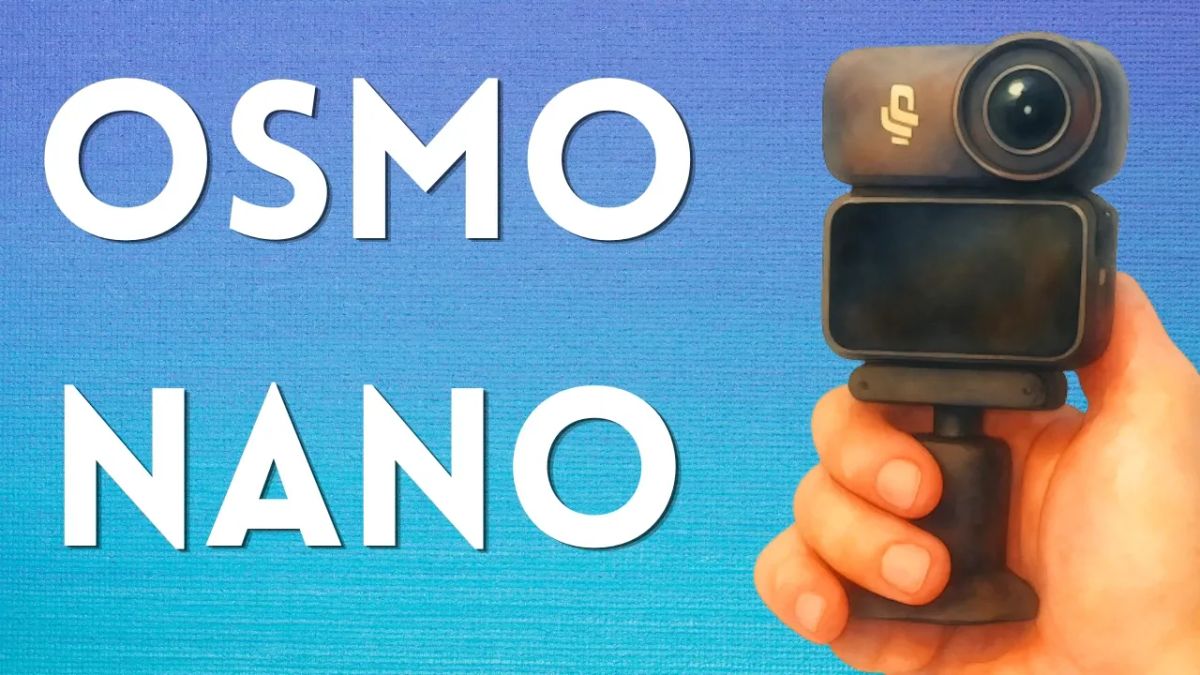
I replaced my iPhone and my Sony X3000 with the DJI Osmo Nano and I couldn't be happier.

So a while back I wrote about how I retired my old Sony X3000 and replaced it with my iPhone and the Boya Mini Mic.
It's not a bad setup and I recorded one of my more popular YouTube videos with this setup (on the best countries for dating Asian girls).
Related:
 Edge of David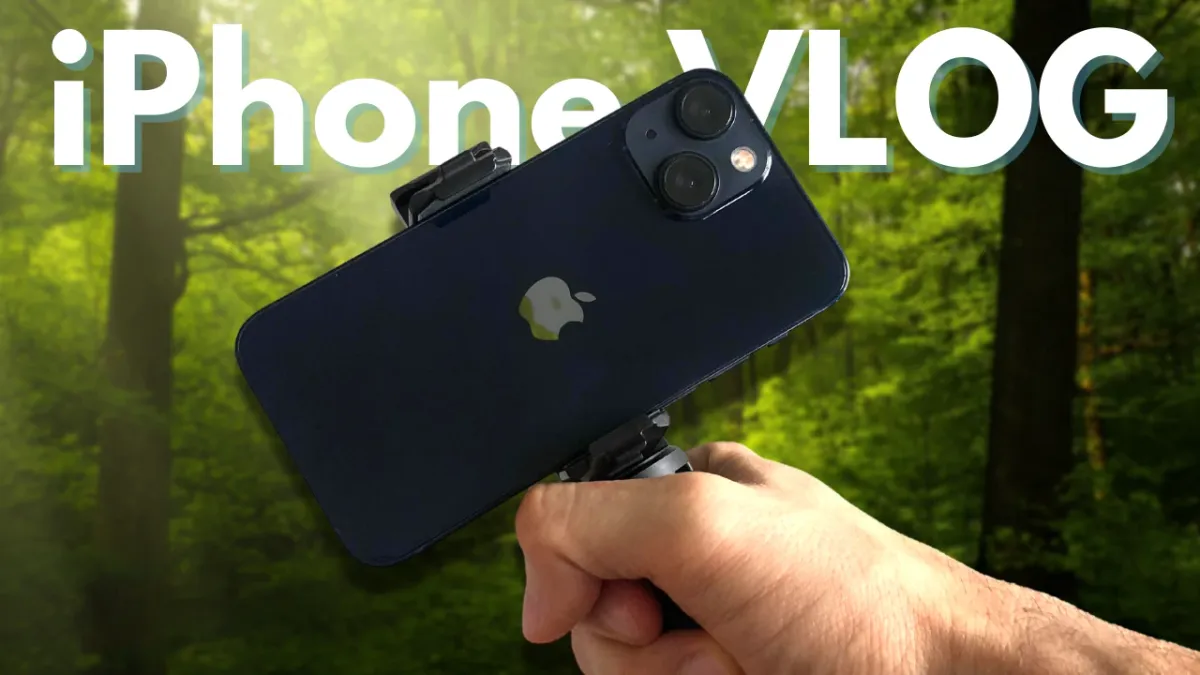
 Edge of David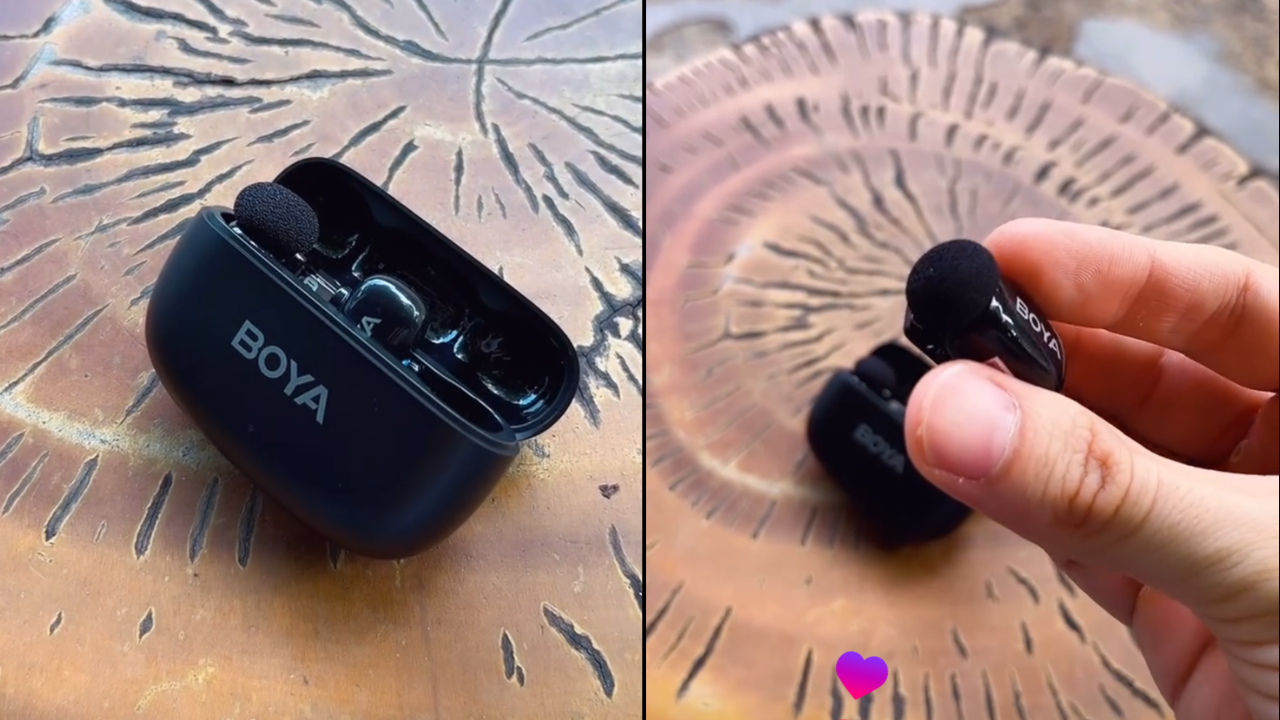
While I still think it's useful to learn how to turn your iPhone into a video making machine as let's be honest, the iPhone does have excellent video quality and video recording features.
I simply missed having a dedicated vlogging camera.
Your iPhone is good, but it's still your phone
It's one of your more important devices. Using it for vlogging you run the risk of dropping it, having it stolen, wearing out the battery etc.
Fundamentally, it's just not designed to be used as a primary camera. That's why I originally bought the Sony x3000 back in 2019.
Because every corn ball YouTuber would always talk about making "cinematic" videos using some big heavy camera with a fluffy microphone.
Like bro, I'm making a travel vlog, not a movie.
8 Reasons why I bought the Osmo Nano
With that whole preamble out of the way, let me jump into why I bought the Osmo Nano to record video content for the Edge of David YouTube channel.
1) Incredibly small and light
The actual camera device, once you take it off the vision dock is hilariously small and light. Smaller than my X3000, but with far superior audio and video quality.
Even attached to the vision dock, this setup is still tiny and easily fits into your pocket.
It comes with a few different attachments, one being this little suction cup tripod that actually works well to use as a makeshift tripod if you're looking for a way to hold the camera.
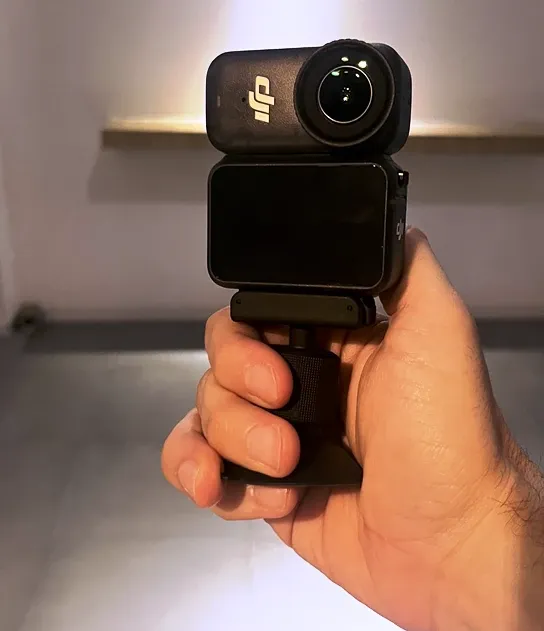
On top of that, if you buy a 3rd party attachment (it's cheap) called the Telesin Magnetic mount, it has a bottom screw mount that allows you to attach it to any tripod you like.
So I'm now able to use my Osmo Nano now with my old X3000 tripod.
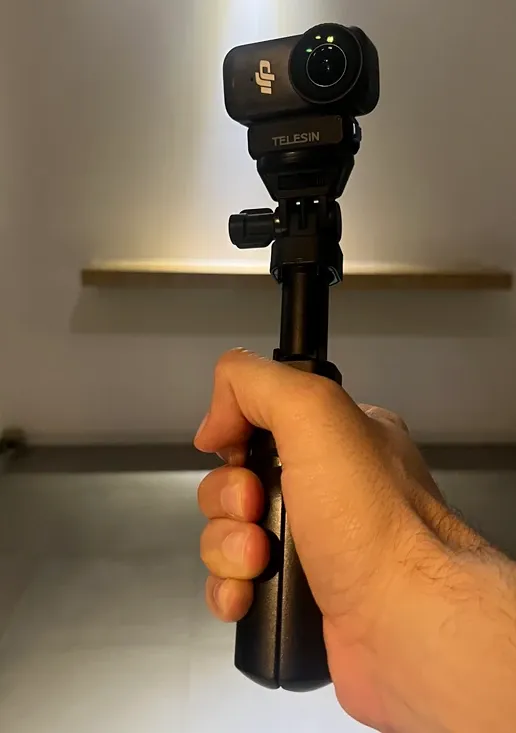
Last, this 3rd party attachment let's you charge the camera directly without the vision dock.
So if you're running and gunning and want to leave the vision dock at home you now can (you need to attached the camera to the vision dock to charge the camera if that's not clear).
2) Excellent video quality with D-Log M
I've gotten a quite a few DM's asking me what camera I'm using to record my videos because the quality looks so good.
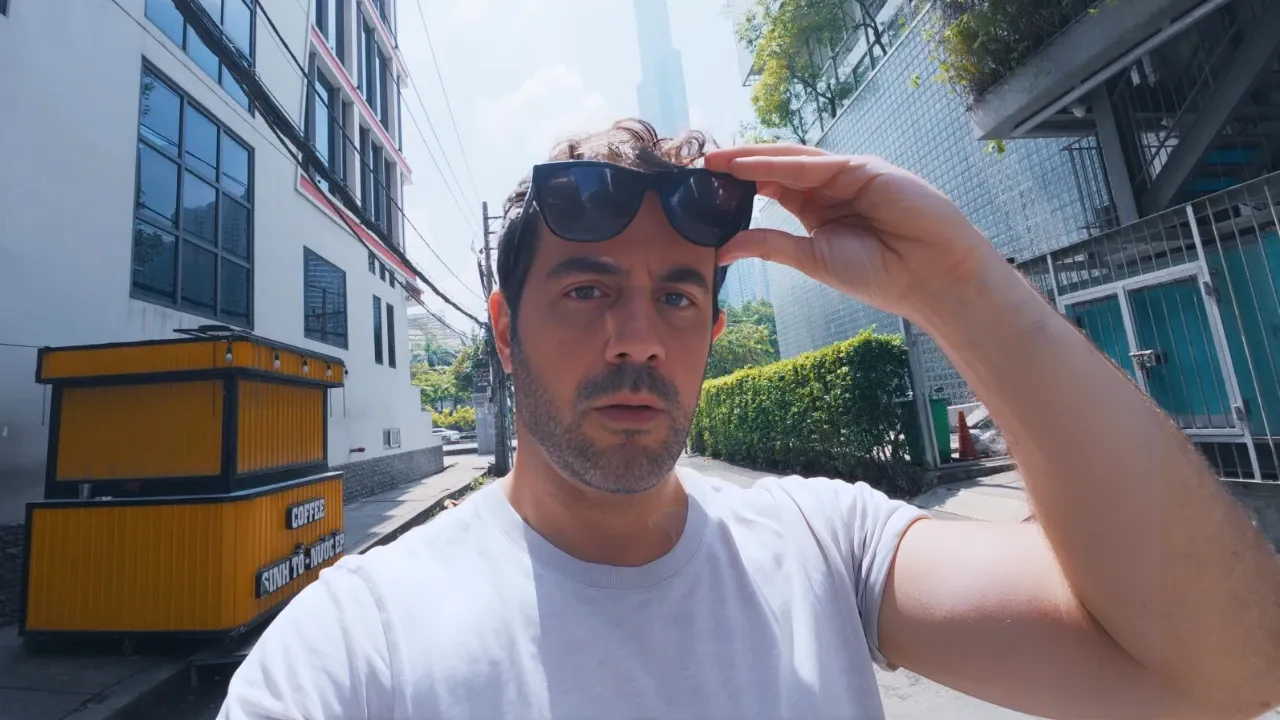
What I do is I record everything at:
- 10 bit color
- In D-Log M
- 4k at 30 FPS
D Log is a "flat" color profile. It's designed so you can apply a LUT when you're editing the video.
Applying a LUT is easy, every video editor has some sort of color option where you literally click a button to apply a LUT.
The more difficult part is getting quality LUTs. I'll add my LUT's to the Vault, so subscribe if you want access (totally fine if you sign up then cancel).
But compared to my X3000 and iPhone, I'm really happy with how this camera looks.
It looks like I'm using some big expensive camera. Nope, I'm walking around with a little action camera.
 Edge of David
3) Multiple angles
One thing I love about this camera are the multiple angles built in.
I tend to record using the vision dock in part to frame myself, but also so I can change the angles of different clips.
That way my videos are more fun to watch as I switch from standard to wide and ultra wide.
Ultra Wide (143° FOV)
This is the native, uncropped view of the lens. It captures almost everything in your peripheral vision. Has an obvious fish eye, but that's why I like it.
Wide (Standard)
This slightly reduces the extreme edges to provide a more traditional "action cam" look. This is your standard X3000 style vlogging shot where you want the scale of the scene without it looking overly distorted.
Dewarp (Linear)
This mode uses software to straighten out the curved lines, giving you more of a traditional camera look.
4:3 aspect ratio
The Nano can record in a 4:3 aspect ratio, so you have a lot of vertical data to work with. It provides a tighter crop that mimics a 35mm lens.
Vertical recording
Last, you can shoot vertical videos easily by holding the camera sideways. Perfect for short from content.
4) Rich audio natively out of the camera
While this camera can be used with a DJI wireless mic, I find that the audio quality out of the camera to be more than acceptable.
Deep, rich, and good at blocking out background noise for some reason. This camera has two internal mics that record in Stereo at 48 kHz / 16-bit AAC.
If you turn on the "pro" mode in the settings you can also turn on wind noise reduction.
- Off is best if you're indoors.
- Standard (what I record at) is digital filter that cuts low-frequency rumble.
- High (best for a windy environment. Can make voices sound slightly more tinny.
For me the audio sounds great, turn on the camera and talk. Done.
I do increase the base and treble slightly in post but it's a minimal adjustment.
5) Attachments
When you buy this camera, included is a bunch of fun attachments (instead of being sold separately).
- Magnetic Lanyard: A classic wearable mount. You wear the lanyard under your shirt, and the Nano snaps onto it through the fabric for that "chest-cam" POV.
- Magnetic Hat Clip: Slides onto the brim of a baseball cap for a head-level POV.
- Protective Case: A simple sleeve to keep the lens safe when not in use.
- Magnetic Ball-Joint Suction Mount: My favorite, can double as a little tripod grip to hold the camera while vlogging. The suction cup can attach to any wall or table easily and the ball joint allows you to adjust the position of the camera.
On top of all that, don't forget that this camera is magnetic, so if you can also attach it to any metal surface (car, fridge, metal pole).
6) Vision dock to see yourself
The vison dock (included with the camera) is a smart accessory for previewing, charging, and transferring footage.
It was one of the reasons why I bought this camera over their Action lineup because the vision dock is a big screen, you can see yourself more clearly than the tiny square front facing screen on the Osmo Action.
I also like that I have the option to use or not use the vision dock.
Since the camera module itself is stripped down to be as light as possible, the dock is what transforms it into a professional tool.
Display and Control
1.96-inch Touchscreen: The Nano camera has no screen. The Vision Dock provides a bright, high-resolution display so you can actually frame your shots, review footage, and change settings.
It adds a dedicated Shutter/Record button and a Function button, making it much easier to operate than using the tiny button on the camera module itself.
Storage & Power
- MicroSD Slot: The Nano camera is where the internal storage lives, but the Vision Dock houses the main microSD card slot (supporting up to 1TB).
- Extended Battery: The dock contains its own internal battery. When the camera is slotted in, it charges the Nano. Together, they give you roughly 200 minutes of total recording time.
- USB-C Port: This is your primary hub for fast charging and high-speed data transfer to your computer.
Do you need to buy a microSD card for the Osmo Nano?
Honestly no. This is a "nice to have" feature but I have the 128 GB version and find that to be more than enough for my purposes.
7) Record up to 4k 60 FPS with stabilization
I'm still blown away that this little camera can record up to 4k, 60 FPS with stabilization.
My old X3000 could only do 4k 30 FPS, and even then the video quality looked bad (which is why everyone used 1080p 60 FPS with that camera).
I currently record at 4k 30 FPS as 60 FPS is a huge file to edit, but I'm happy with how the overall video quality looks.
Slow Motion
- 4K: 4× slow motion (recorded at 120 fps).
- 2.7K: 4× slow motion (recorded at 120 fps).
- 1080p: 8× slow motion (recorded at 240 fps) or 4× slow motion (recorded at 120 fps).
Other Time-Based Modes (Locked Frame Rates)
- Hyperlapse: 4K / 2.7K / 1080p at 25 / 30 fps only (with speed multipliers: Auto / ×2 / ×5 / ×10 / ×15 / ×30)
- Timelapse: 4K / 2.7K / 1080p at 25 / 30 fps only
Important Notes on Frame Rates & Features
- Maximum bitrate: 120 Mbps across all modes.
- Video format: MP4 (HEVC / H.265).
- HorizonBalancing (keeps the horizon level): Only available in 1080p (16:9), 2.7K (16:9), or 4K (16:9) at 60 fps or below. It is not available in slow-motion, timelapse, or hyperlapse modes.
- RockSteady 3.0 stabilization: Works in all normal video modes but is disabled in Slow Motion and Timelapse.
- SuperNight mode (low-light noise reduction): Limited to up to 30 fps and 8-bit color only.
- Frame rates and capabilities are identical whether the camera is used alone or docked in the Vision Dock.
In short you have a lot of options with this camera. Generally speaking, you'll be using either 25, 30 or 60 FPS to record with the ability to record in slow motion.
8) A ton of storage built in
I touched on this already, but I have the 128 GB model. All that storage is built into the camera device itself.
So after the software and settings, that leaves you with about 107 GB of usable storage. If you need even more storage then you'll have to put a microSD card in the vision dock.
But I think for 99% of people, 100 GB of storage is plenty.
Any drawbacks?
So is this camera perfect? No, there are a few annoyances I've found after actually using this camera to make video content.
The native color profiles look awful
You don't have to record in D-Log. The camera comes with it's own color profiles but I think they look pretty bad compared to my Sony X3000 or iPhone.
Rendering with a LUT applied, takes a longer
If you have an older computer, trying to render a 4k video with a LUT applied will take a lot longer. The newer your machine, the less of an issue this is.
Only works with DJI mics
My Boya Mini does NOT connect to the Osmo Nano. I asked support and they told me only DJI mics can pair with the Osmo Nano. Not a big deal for me as I don't want to use a mic.
Super night mode is "meh"
Recording at night? Well the Osmo Nano as something called "super night" mode just like the Osmo Action.
Except the Osmo Action is pretty good at night, and even with Super Night mode on, the Nano is still performs horrible in low light situations.
Can NOT be used as a webcam
The Osmo Action can double as a webcam, the Osmo Nano can not. I already have a webcam that I'm happy with so again this is a non issue for me, but may be a drawback for you.
DJI Osmo Nano Review Conclusion
That's it for my breakdown of this camera. Overall I'm quite happy with my purchase.
The small form factor, the vision dock with a large screen, the option to use or not use the vision dock, massive storage, high quality audio and video.
Yep, this camera pretty much ticks all my boxes as my "fun" casual vlogging camera.
I am a participant in the Amazon Services LLC Associates Program, an affiliate advertising program designed to provide a means for me to earn commissions by linking to Amazon.com and affiliated sites.